


 :
:就是....空空的啦~什麼都沒有是什麼意思??? :-~ :-~http://img523.imageshack.us/img523/7748/...
原尺寸圖片連結
原尺寸圖片連結
原尺寸圖片連結
原尺寸圖片連結剛剛去學校網站下載了偽vista
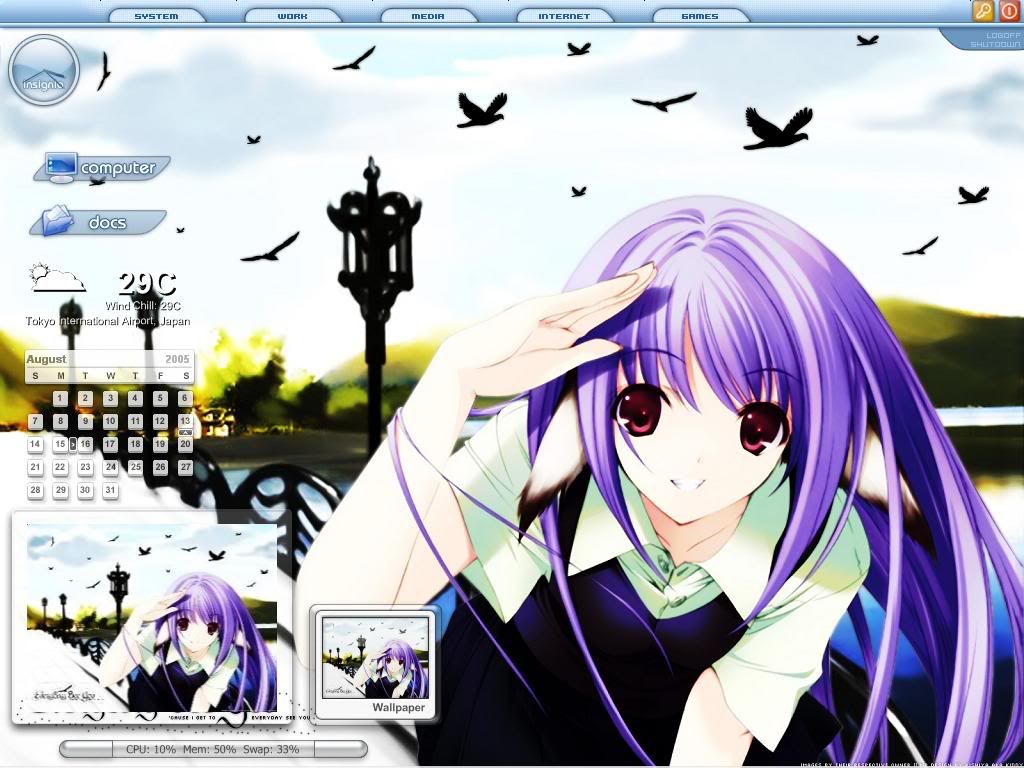
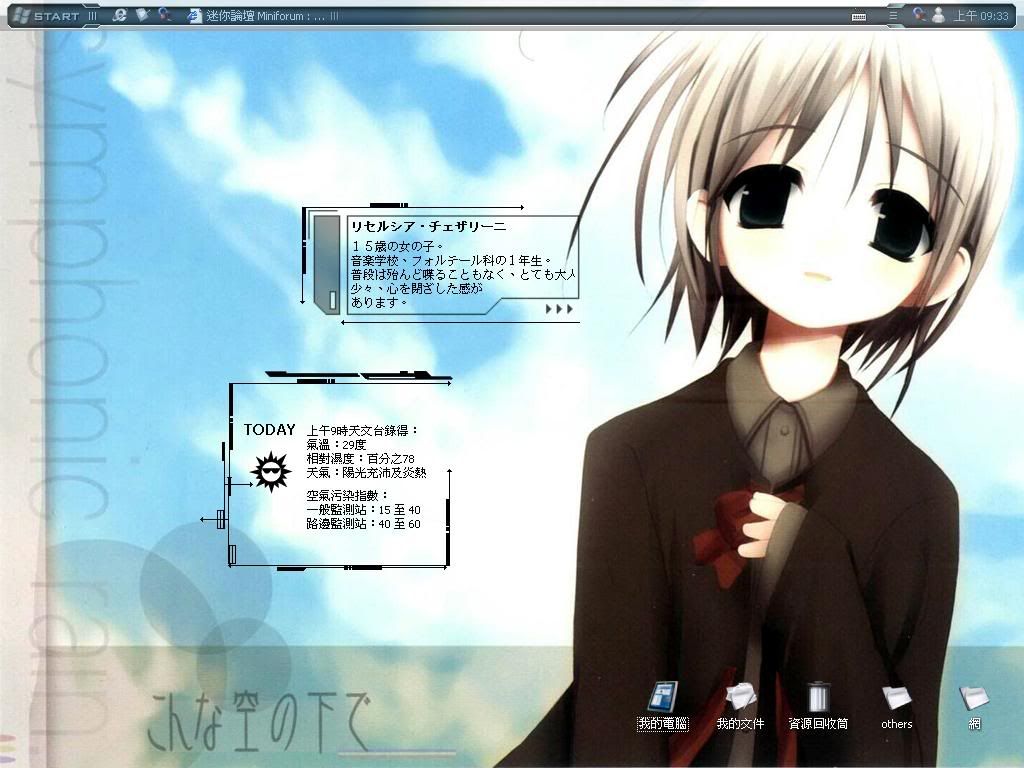
現在桌面變這樣了XDDDD
(還是什麼都沒有 :-{
這個看上去不是用VTP對吧? :||:

這篇主題有 159 篇回覆


 香港
香港
#104

發表於 2007 年 12 月 02 日 - PM 05:08
為啥我不能改成黑的阿使用VTP8.0(Vista Transformation Pack 8.0)+WB6(WindowBlinds 6.0)吧.現在在用,不太吃資源+像Vista. :-D :-D
請問有這個佈景主題的載點或網站嗎?http://i9.photobucket.com/albums/a61/tn0...
原尺寸圖片連結
原尺寸圖片連結
原尺寸圖片連結
原尺寸圖片連結
原尺寸圖片連結
原尺寸圖片連結
原尺寸圖片連結
原尺寸圖片連結
原尺寸圖片連結
我的偽‧VISTA(其實是XP :-{ )
我喜歡簡單風格+蘋果的鏡面設計 :-D
之前用過其他偽Vista的...不是很滿意 8-)
這個看起來不錯~
我的圖在本帖23樓,自己可以去看看吧.
---------------------------------
再補上一張第二個背景圖片的圖...
http://img146.imageshack.us/img146/6606/...
原尺寸圖片連結
原尺寸圖片連結
原尺寸圖片連結
Vista Transformation Pack


#105
發表於 2007 年 12 月 02 日 - PM 05:16
看上去你好像是沒有裝WindowBlinds是吧????為啥我不能改成黑的阿
使用VTP8.0(Vista Transformation Pack 8.0)+WB6(WindowBlinds 6.0)吧.現在在用,不太吃資源+像Vista. :-D :-D
請問有這個佈景主題的載點或網站嗎?http://i9.photobucket.com/albums/a61/tn0...
原尺寸圖片連結
原尺寸圖片連結
原尺寸圖片連結
原尺寸圖片連結
原尺寸圖片連結
原尺寸圖片連結
原尺寸圖片連結
原尺寸圖片連結
原尺寸圖片連結
原尺寸圖片連結
原尺寸圖片連結
原尺寸圖片連結
原尺寸圖片連結
我的偽‧VISTA(其實是XP :-{ )
我喜歡簡單風格+蘋果的鏡面設計 :-D
之前用過其他偽Vista的...不是很滿意 8-)
這個看起來不錯~
我的圖在本帖23樓,自己可以去看看吧.
---------------------------------
再補上一張第二個背景圖片的圖...
http://img146.imageshack.us/img146/6606/...
原尺寸圖片連結
原尺寸圖片連結
原尺寸圖片連結
原尺寸圖片連結
原尺寸圖片連結
原尺寸圖片連結
原尺寸圖片連結
Vista Transformation Pack
http://img87.imageshack.us/img87/1170/52...
http://img84.imageshack.us/img84/6297/43...
而且WB底下的工作列還沒有改色弁?等待新WB中...
VTP設定:

原尺寸圖片連結
原尺寸圖片連結
原尺寸圖片連結
原尺寸圖片連結
按configure user account

原尺寸圖片連結
原尺寸圖片連結
原尺寸圖片連結
WindowBlinds 的

原尺寸圖片連結
原尺寸圖片連結
原尺寸圖片連結
原尺寸圖片連結
本篇文章已被 再戰風雲 於 2007 年 12 月 02 日 - PM 05:20 編輯過


#108
xdxdxd
-

- 精銳步兵
- 1060 文章數
軍士長
-
國家 / 地區:
 中華民國(台灣)
- 來自:督督嚕督大大大
- 隸屬於:自由戰士
發表於 2007 年 12 月 02 日 - PM 05:55
把圖片名稱改成lvback.gif直接丟到MSN資料夾就是了@@"我想問怎樣在MSN的連絡人清單加上自己的圖片??
絕望啦~我對這個簽名檔盡放萌圖的社會感到絕望啦~
你的簽名檔過大,已移除 By 站務組
你的簽名檔過大,已移除 By 站務組

#110
smalljer
-

- 國民兵
- 260 文章數
二等士官長
- 隸屬於:自由戰士
發表於 2007 年 12 月 02 日 - PM 07:10
可是什麼地方有full version的WindowBlinds 6.0 可供download啊??
#111
xdxdxd
-
- 精銳步兵
- 1060 文章數
軍士長
-
國家 / 地區:中華民國(台灣)
- 來自:督督嚕督大大大
- 隸屬於:自由戰士
發表於 2007 年 12 月 02 日 - PM 07:25
拿去餵孤狗有一海票載點 :roll:可是什麼地方有full version的WindowBlinds 6.0 可供download啊??
絕望啦~我對這個簽名檔盡放萌圖的社會感到絕望啦~
你的簽名檔過大,已移除 By 站務組
你的簽名檔過大,已移除 By 站務組

#113
smalljer
-
- 國民兵
- 260 文章數
二等士官長
- 隸屬於:自由戰士
發表於 2007 年 12 月 02 日 - PM 07:44
餵孤狗是什麼啊 ? :roll:拿去餵孤狗有一海票載點 :roll:可是什麼地方有full version的WindowBlinds 6.0 可供download啊??

#115
derek400004
-

- 國民兵
- 174 文章數
槍砲士官
-
國家 / 地區:
 美國
美國
- 來自:美國
- 隸屬於:自由戰士
發表於 2007 年 12 月 02 日 - PM 07:56
可是什麼地方有full version的WindowBlinds 6.0 可供download啊??
README

WindowBlinds 6.0 Enhanced Installation by DayToDie


Patch provided by DaytoDie. Instructions provided by [email protected]
This is a complete version of WindowBlinds 6 Enhanced Version. There is no known reinstall
process available if you mess up this procedure. So the instructions carefully or else
the application won't work and won't be registered. This does not work for Windows Vista x64.

Known to work for Vista x32 or Vista Lite.

!!!YOU MUST READ THIS BEFORE PROCEEDING!!!

***NOTE: Changing your SID can cause adverse affects to your application programs!

*) Uninstall any previous WindowBlinds versions and make sure you remove the directory in Program Files. Back up any of the skins you intend to keep(wba files).

INSTALLATION
************

1) Goto SID Folder & Run NewSID.exe Follow Instructions and change your system SID

to this one: S-1-5-21-1491950412-2009852829-4049741679. REBOOT Windows after this procedure.

2) Install WindowBlinds6_public.exe. Do NOT REBOOT THE SYSTEM! This will convert to the Enhanced

version after the patch.

3) Run WindowBlinds6PublicPatch_DaytoDie.exe

4) Copy sig6.bin & wbsys.dll form Crack folder to the Stardock/WindowBlinds directory and overwrite the file.

6) Reboot.

7) WindowBlinds 6 should now be registered Verify goto Wbconfig>About Tab. NOTE: Skins will

not work at this moment and you need to install windowblinds600_enhanced.exe. Once your done...

8) Reboot & Enjoy!

After installation and all procces are finished, go in WB to the transperenci & blur and select the transparent how you like..

Download: Includes Vista Ultimate skin


[CODE]http://rapidshare.com/files/61828151/Archive.zip
I found this on a website... haven't tried it myself, but hope this helps! :-D
本篇文章已被 derek328 於 2007 年 12 月 02 日 - PM 08:00 編輯過
#116
TOM229
-

- 精銳步兵
- 3013 文章數
上尉
-
國家 / 地區:
 Russia
- 來自:Fuu
- 隸屬於:NW
發表於 2007 年 12 月 02 日 - PM 08:09
Foxy @Q@?餵孤狗是什麼啊 ? :roll:
拿去餵孤狗有一海票載點 :roll:可是什麼地方有full version的WindowBlinds 6.0 可供download啊??


#117

發表於 2007 年 12 月 02 日 - PM 08:10
好像用Vista Inspira還要再加上Windows blinds耶
不過Windows blinds試用版只能用三十天 QQ"
不過Windows blinds試用版只能用三十天 QQ"
簽名檔過大,站務組已移除
#118
smalljer
-
- 國民兵
- 260 文章數
二等士官長
- 隸屬於:自由戰士
發表於 2007 年 12 月 02 日 - PM 08:12
thank you可是什麼地方有full version的WindowBlinds 6.0 可供download啊??
README

WindowBlinds 6.0 Enhanced Installation by DayToDie


Patch provided by DaytoDie. Instructions provided by [email protected]
This is a complete version of WindowBlinds 6 Enhanced Version. There is no known reinstall
process available if you mess up this procedure. So the instructions carefully or else
the application won't work and won't be registered. This does not work for Windows Vista x64.

Known to work for Vista x32 or Vista Lite.

!!!YOU MUST READ THIS BEFORE PROCEEDING!!!

***NOTE: Changing your SID can cause adverse affects to your application programs!

*) Uninstall any previous WindowBlinds versions and make sure you remove the directory in Program Files. Back up any of the skins you intend to keep(wba files).

INSTALLATION
************

1) Goto SID Folder & Run NewSID.exe Follow Instructions and change your system SID

to this one: S-1-5-21-1491950412-2009852829-4049741679. REBOOT Windows after this procedure.

2) Install WindowBlinds6_public.exe. Do NOT REBOOT THE SYSTEM! This will convert to the Enhanced

version after the patch.

3) Run WindowBlinds6PublicPatch_DaytoDie.exe

4) Copy sig6.bin & wbsys.dll form Crack folder to the Stardock/WindowBlinds directory and overwrite the file.

6) Reboot.

7) WindowBlinds 6 should now be registered Verify goto Wbconfig>About Tab. NOTE: Skins will

not work at this moment and you need to install windowblinds600_enhanced.exe. Once your done...

8) Reboot & Enjoy!

After installation and all procces are finished, go in WB to the transperenci & blur and select the transparent how you like..

Download: Includes Vista Ultimate skin


[CODE]http://rapidshare.com/files/61828151/Archive.zip
I found this on a website... haven't tried it myself, but hope this helps! :-D
I am using bt to download a windows blinds 5.51 with crack now


#120

發表於 2007 年 12 月 02 日 - PM 08:24
孤狗=GOOGLE.....Foxy @Q@?
餵孤狗是什麼啊 ? :roll:
拿去餵孤狗有一海票載點 :roll:可是什麼地方有full version的WindowBlinds 6.0 可供download啊??
FOXY大家都叫狐狸..


0 位玩家正在閱讀此主題
0 位會員, 0 位訪客, 0 位匿名會員


